01
Start with a question
Choose criteria that reflect the type of company or market setup you want to investigate.




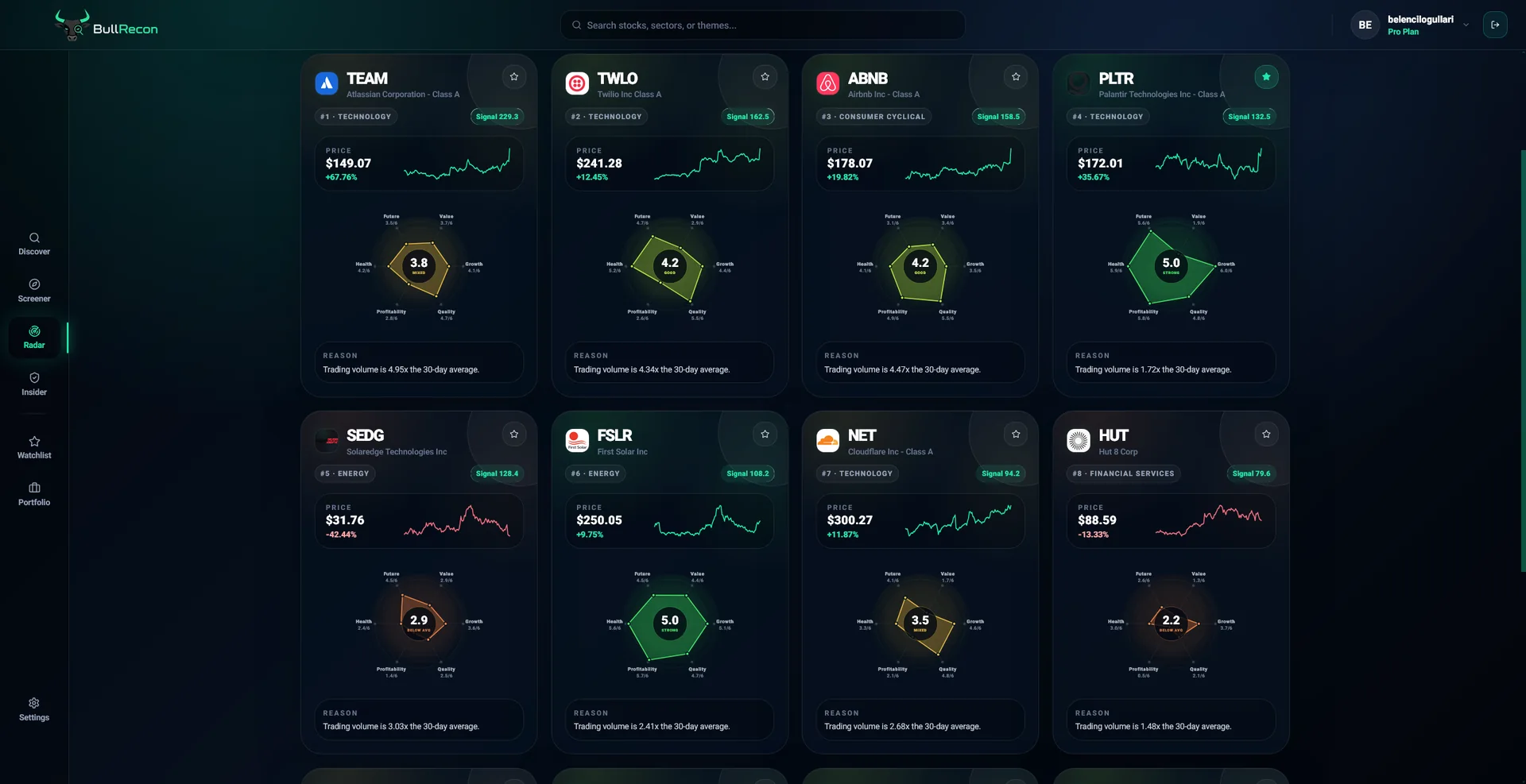 Daily RadarRanked opportunity lists refreshed from current market data.
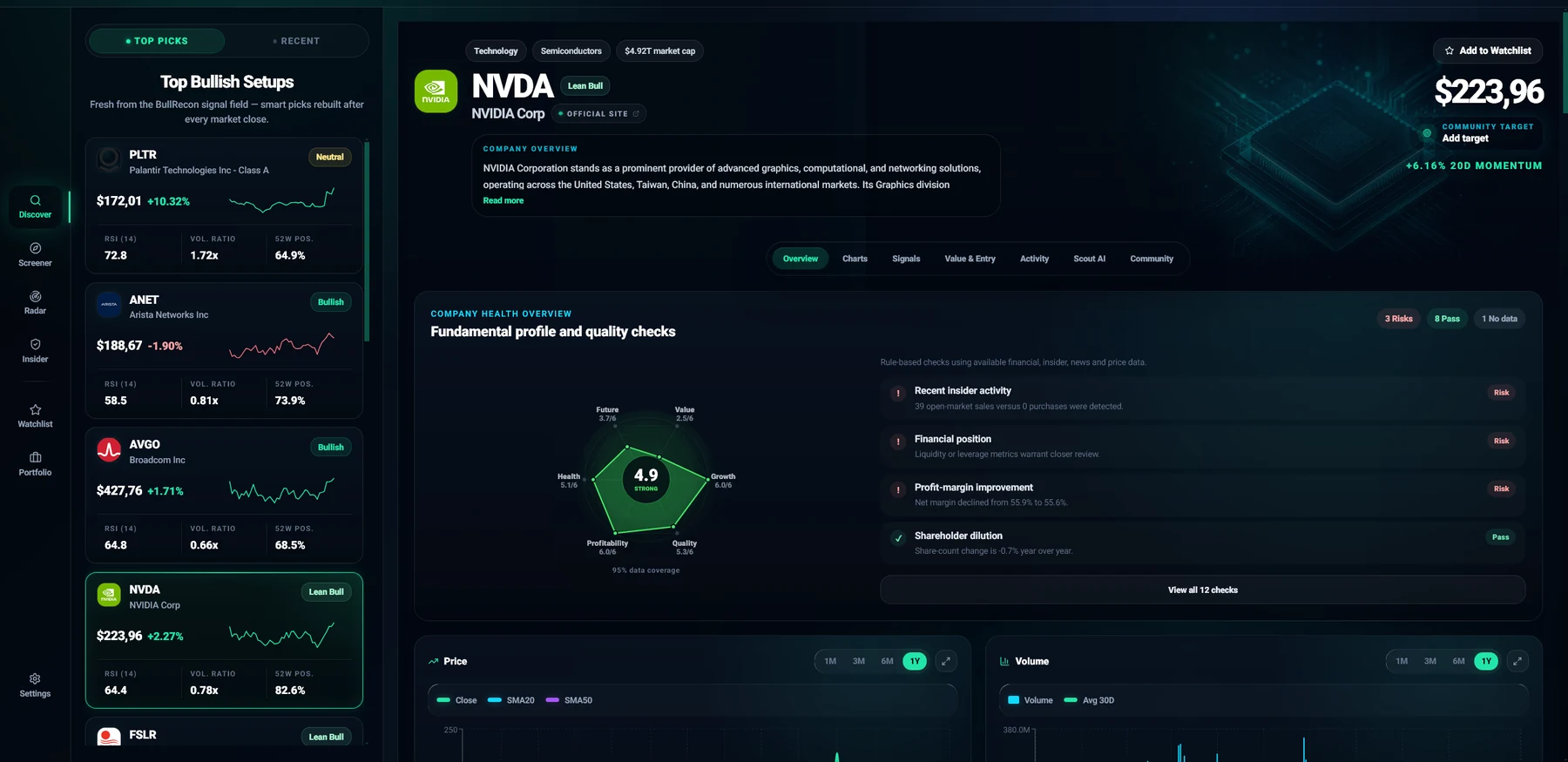 Stock ScreenerBuild a focused universe with presets and advanced filters.
 Stock DirectoryExplore supported US-listed companies and public reports.
 Analyst IntelligenceFollow source-verified calls and measured track records.Market FlowCross-asset capital rotation and market regime.
Start with a preset or combine your own criteria to narrow the market into a focused list of companies worth exploring.
Use a ready-made profile to start exploring early setups, momentum or company quality, then adjust the criteria to suit your research.
Narrow your search using available filters for sector, market capitalization, price, volume, momentum and financial trends.
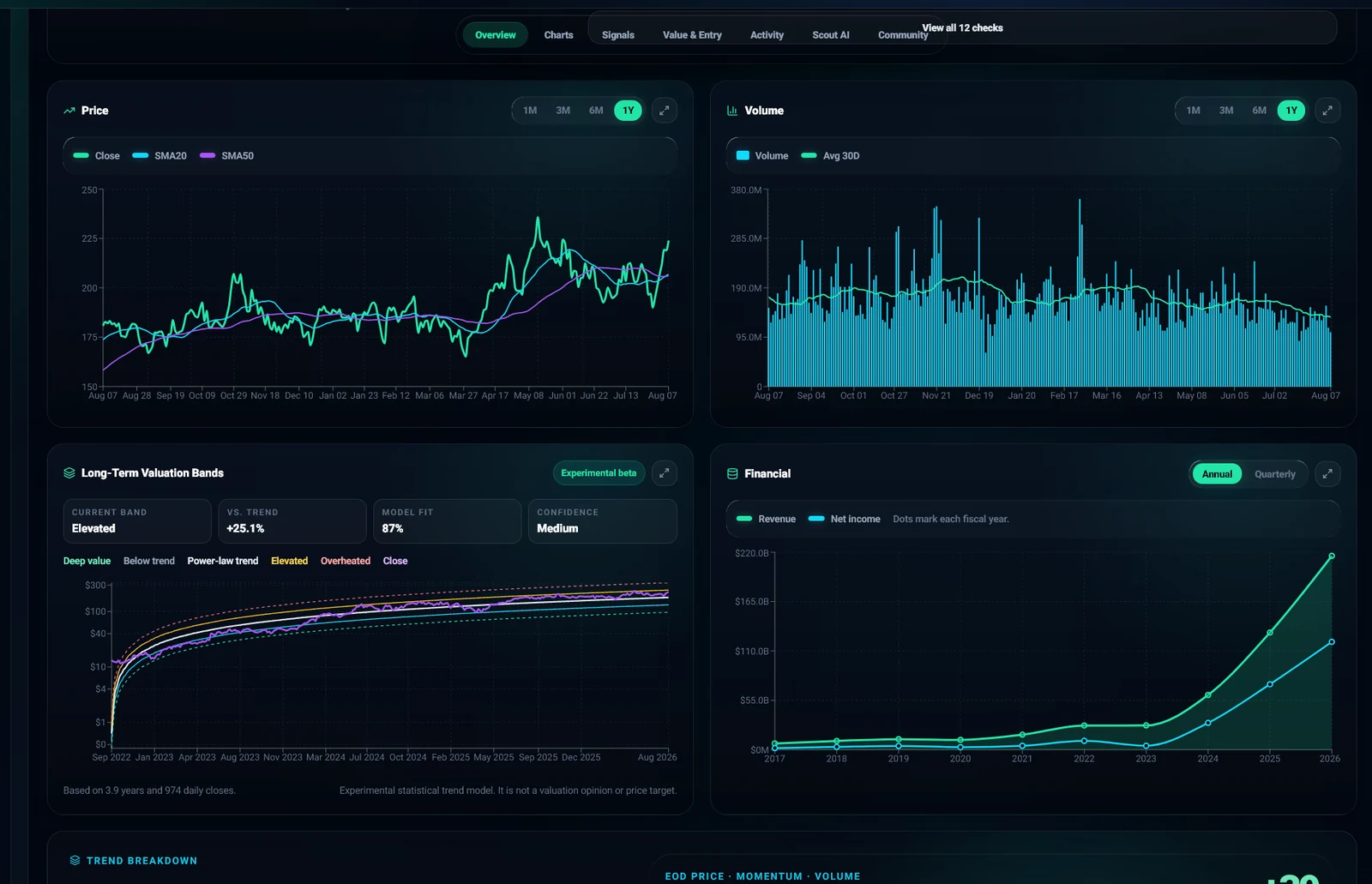
Review matching companies and open their reports to explore the context behind each result.
Choose criteria that reflect the type of company or market setup you want to investigate.
A matching result is a starting point for research, not a complete assessment of a company.
Review the report and available data before drawing conclusions from a screening result.
Yes. You can start with a preset and adjust the available criteria in the Screener.
No. Results identify companies that match your selected criteria; they are not personalized investment advice or automatic buy signals.
Screening uses available market and company data. Different datasets may be updated on different schedules.